10 Free Online Image Tools Everyone Should Know About
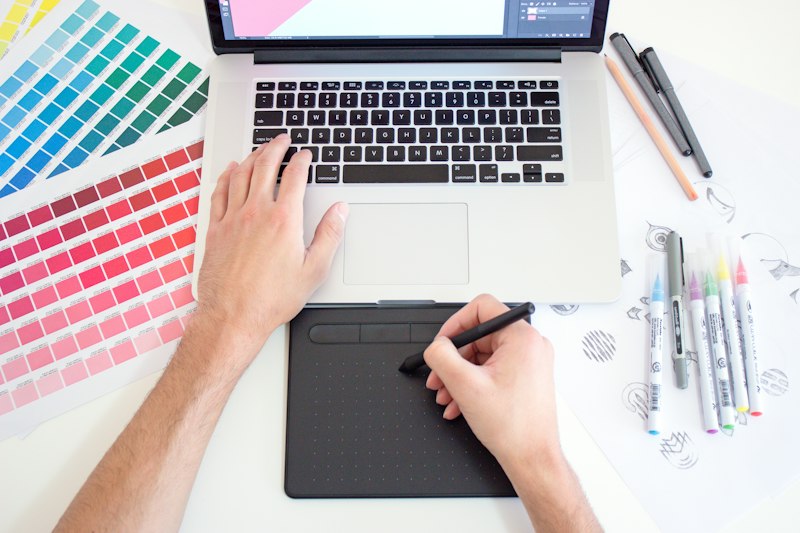
You do not need Photoshop. You do not need to download anything. The best image tools for everyday tasks run entirely in your browser and are completely free. Here are 10 tools that solve real problems, fast.
Image Compressor
Shrink file sizes without losing quality
Large images slow down websites and get rejected by upload forms. A good compressor reduces file size by 40 to 80% with no visible quality difference. Since Google uses page speed as a ranking factor, compressing your images is one of the easiest wins for SEO.
Tip: Use medium compression for websites. Heavy compression is fine for thumbnails and social media posts.
Image Resizer
Change dimensions in seconds
Every platform has different image size requirements. Instead of guessing or uploading the wrong size, use a resizer to hit exact pixel dimensions. Supports aspect ratio lock so your image does not get stretched.
Tip: Instagram post: 1080x1080px. LinkedIn profile: 400x400px. YouTube thumbnail: 1280x720px.
Background Remover
Remove backgrounds in one click
Removing a background used to take hours in Photoshop. Now it is a one-click process. Upload your image and the background is detected and removed automatically. Save as PNG to keep the transparency.
Tip: Works best on photos with clear contrast between subject and background.
Image Converter
Switch between JPG, PNG, WebP and more
Different tools and platforms use different image formats. Convert between JPG, PNG, WebP, and GIF in one step. Useful when a WebP file will not open in older software, or when you need to switch from PNG to JPG to reduce file size.
Tip: JPG to WebP reduces website image file size by 25 to 35% at the same visual quality.
Image Cropper
Cut to any size or shape
Crop profile photos to a square, remove distracting elements from the edges, or get the right framing for a post. Faster than opening a desktop app for a quick crop.
Tip: Use free-crop for custom dimensions, or pick a preset ratio like 1:1 or 16:9.
Color Picker
Get the exact color code from any image
Click anywhere in an image and get the precise color value in HEX, RGB, or HSL. Useful for matching brand colors, finding the right CSS value, or identifying colors from photos for design work.
Tip: HEX codes are what you need for CSS. RGB is for design software like Figma or Canva.
Image to PDF Converter
Combine images into a single PDF
Turn one or more images into a clean PDF file. Useful for sending photos as a document, combining scanned pages, or submitting images to systems that only accept PDF.
Tip: Combine multiple images into one PDF in the order you choose.
Watermark Tool
Protect your images with a visible mark
Add text or image watermarks to photos before sharing them online. Useful for photographers, content creators, and anyone who wants to credit their work.
Tip: Use a semi-transparent white or light watermark for photos, dark for graphics.
Image Flipper and Rotator
Fix orientation in one click
Rotate images 90 or 180 degrees, or flip them horizontally and vertically. Fixes photos that uploaded sideways or need to be mirrored.
Tip: Phone photos sometimes have incorrect EXIF orientation data. This tool corrects the visual rotation.
EXIF Data Remover
Strip metadata before sharing
Photos taken on phones contain hidden metadata including GPS coordinates, camera model, date, and time. Removing EXIF data before posting images publicly protects your location and device information.
Tip: Always strip EXIF data from photos before posting them on public platforms.
All Tools in One Place
All 10 of these tools are available for free at ToolzGo Image Tools. No account, no watermarks, nothing uploaded to a server. You can also explore PDF tools, text tools, and developer tools on the same site.
Browse all free image tools
See All Image Tools